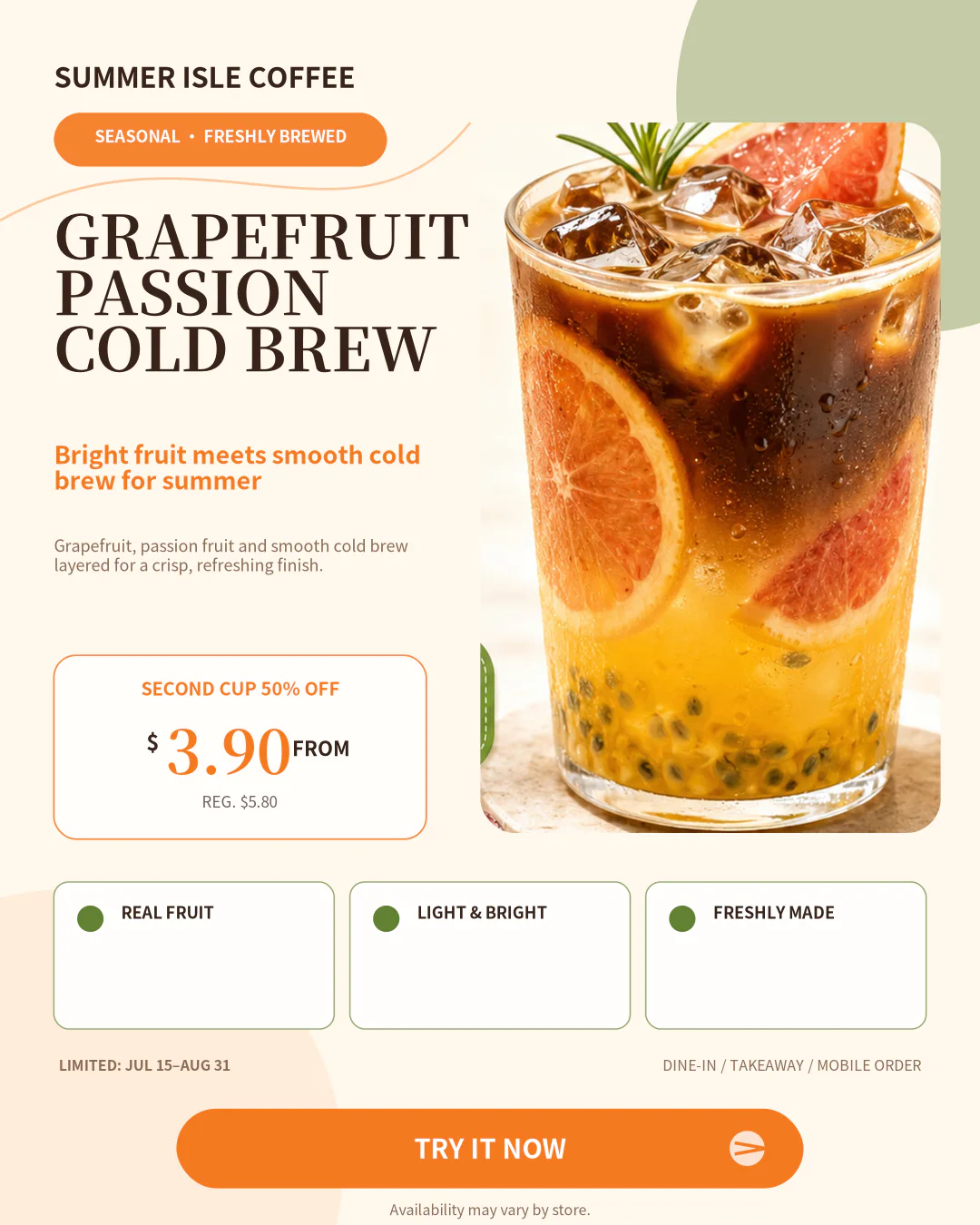
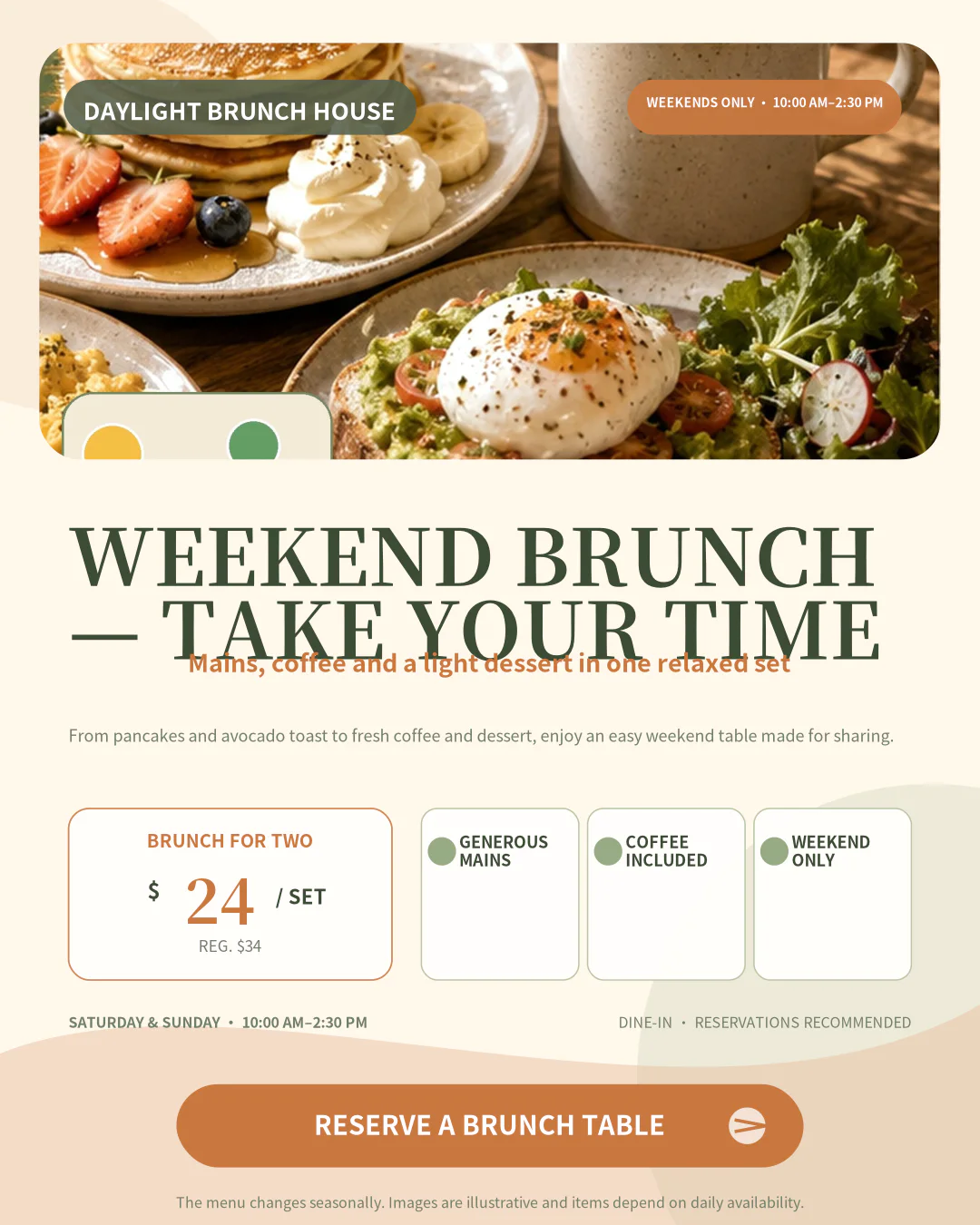
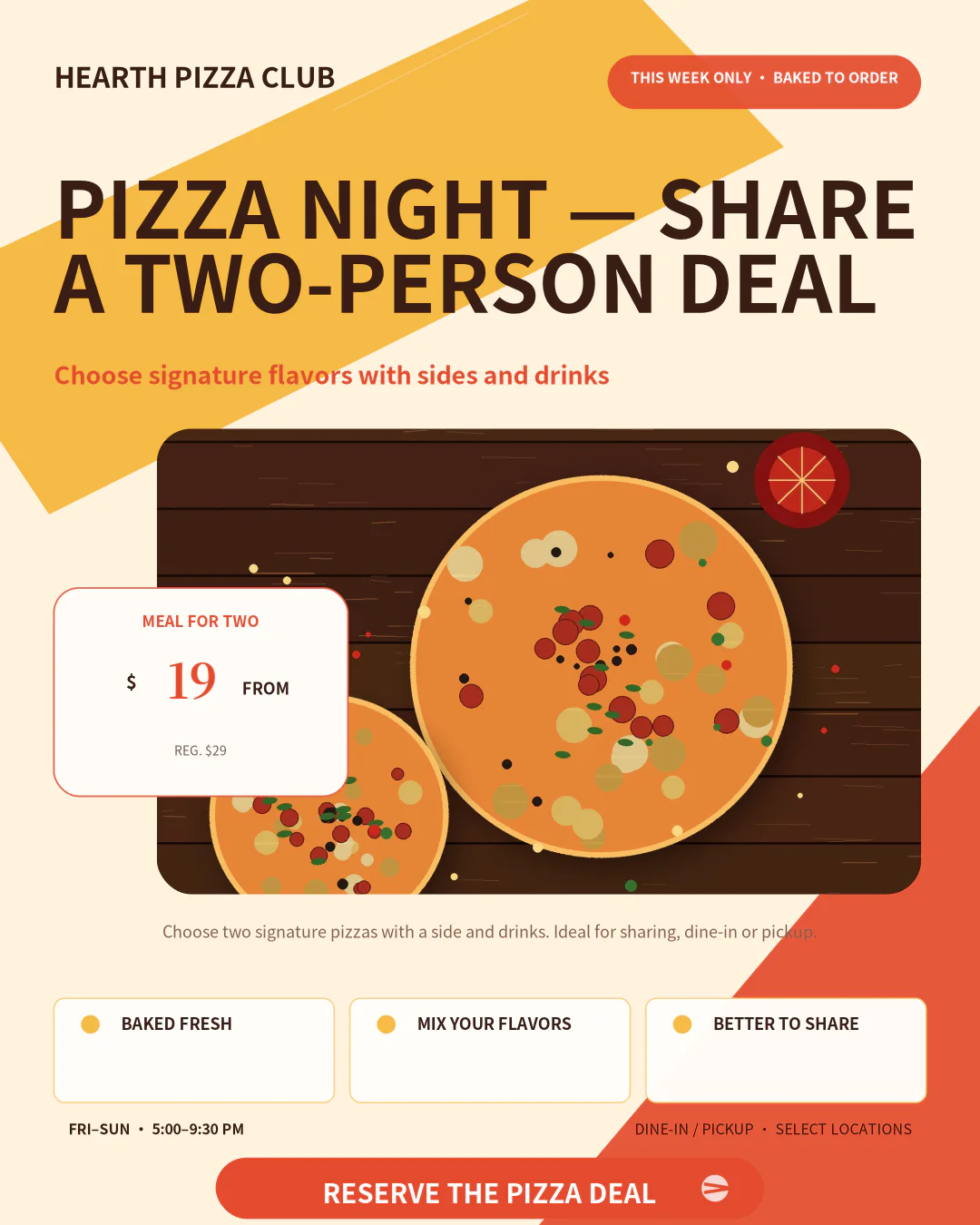
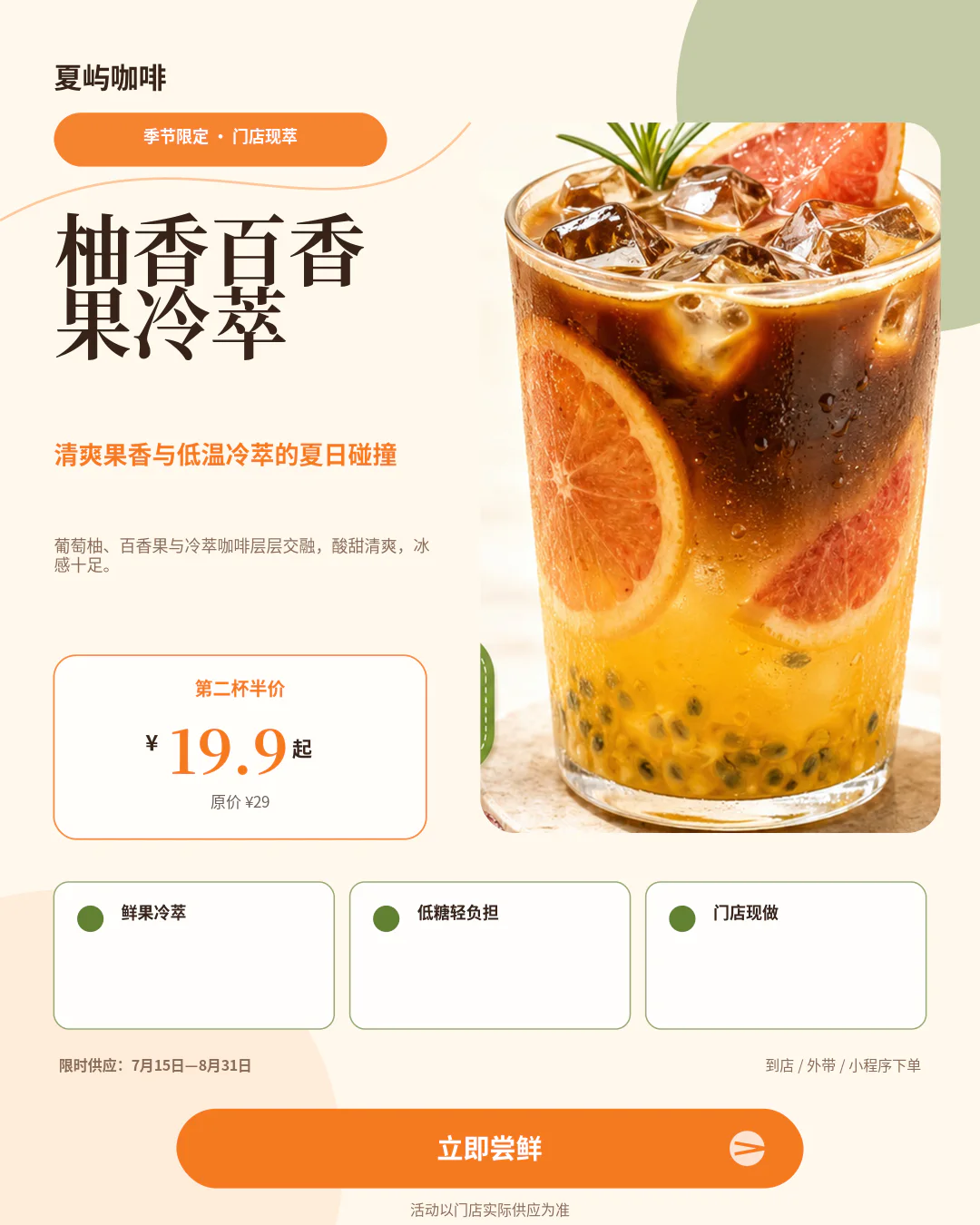
Upload a design you like, replace the text and product image, and generate a ready-to-publish flyer in minutes.
Drop your reference design here
PNG, JPG or WebP up to 8MB
No design ready? Try an example:
An AI Flyer Generator Built for Everyday Business Marketing
Postrai turns the product photo, offer, and business details you already have into a polished, editable campaign draft. This AI Flyer Generator gives a small business a practical starting point for flyers, posters, product ads, and social media posts.
How Postrai Turns Business Details into Editable Flyers
The Postrai AI Flyer Generator is built around information a small business already has. It organizes campaign inputs into a clear visual direction without requiring a perfect prompt.
01
Add the campaign details
Enter the business name, headline, offer, price, date, location, contact detail, and call to action. The AI Flyer Generator uses these fields to establish a readable marketing hierarchy instead of guessing from a vague sentence. This gives sale flyers and business posters a clear message before visual styling begins, while keeping the owner responsible for every claim and promotion detail.
02
Upload a product photo or reference design
Start with a real product photo, logo, or reference design that communicates the direction you want. Postrai can study layout, spacing, color relationships, image emphasis, and the position of key offer details. The reference guides the new composition, while your brand, copy, product photo, price, and call to action replace the source material in the editable result.
03
Generate a structured first draft
Postrai turns those inputs into editable flyers, posters, product ads, or social media posts with a deliberate reading order. The first draft balances headline size, image crop, price visibility, supporting copy, and the next action. A small business can compare the result with the original brief, then generate another direction without rebuilding every text box from the beginning.
04
Edit, resize, and publish
Change the headline, offer, price, product photo, colors, or supporting details before publishing. The same campaign can become printable flyers, vertical posters, square product ads, and social media posts for different channels. Because the output stays editable, a small business can reuse a successful structure for the next launch, seasonal promotion, menu update, or local event.
Use a Reference Design Without Copying It
Upload a flyer you like and use its structure as direction. Postrai keeps the useful hierarchy while rebuilding every business-specific element around your own campaign. The goal is an original, editable asset informed by the reference design, not a duplicate of another brand’s finished work.
Analyze layout, spacing, and color direction
Replace the brand, copy, price, and product imagery
Keep the result original and fully editable
Built for everyday campaigns
Create Flyers, Posters, Product Ads, and Social Media Posts
Start with one promotion and quickly shape it for every place customers will see it. The AI Flyer Generator keeps the core offer consistent across print and digital channels.
Sale Flyers
Make discounts, coupons, and limited-time offers easy to scan in seconds.
Business Posters
Give menus, workshops, and store promotions a bold visual hierarchy.
Product Ads
Turn a product photo into a clear offer for feeds and paid campaigns.
Social Media Posts
Adapt one message for social feeds, stories, and community groups.
Store Announcements
Share new arrivals, opening hours, and service updates without delay.
Event Promotions
Build polished graphics for launches, pop-ups, classes, and workshops.
Designed for small business speed
Why Small Businesses Choose Postrai Instead of a Blank Canvas
A blank canvas offers freedom, but it also asks a business owner to solve layout, typography, image cropping, spacing, and format decisions before the promotion can go live. Postrai moves that work into a guided, editable starting point.
Start closer to the finished campaign
A small business rarely needs unlimited design options; it needs a strong draft that already understands the offer. The AI Flyer Generator turns campaign details into an organized composition, so owners spend time refining the headline, product photo, price, and deadline instead of drawing boxes. Editable flyers and posters begin close to a useful outcome while still leaving room for judgment and brand personality.
Keep every important detail under your control
Postrai helps with visual structure, but it does not lock the campaign into a finished image. You can revise claims, prices, dates, locations, photos, and calls to action before anything is published. That matters for product ads and social media posts, where a small wording change can affect customer expectations. Editable output keeps the small business, not the generator, in control of the final message.
Reuse what works across channels
Successful promotions should become repeatable systems. A restaurant can reuse a lunch-special layout, a retailer can update new-arrival posters, and an ecommerce seller can adapt product ads for several launches. The AI Flyer Generator helps carry a proven hierarchy into print flyers and social media posts, saving a small business from rebuilding the same campaign structure every week.
Made for real local campaigns
Marketing Use Cases for the Postrai AI Flyer Generator
Different businesses need different proof, imagery, and calls to action. These examples show how one editable workflow supports everyday small business marketing.
Restaurants and cafes
Create menu flyers, lunch-special posters, seasonal drink announcements, and social media posts that keep the food or beverage product photo central. The AI Flyer Generator helps a small business make the offer, price, availability, and ordering action readable before opening time or a busy weekend service.
Retail stores and boutiques
Build sale flyers, new-arrival posters, window promotions, coupons, and product ads for holidays or clearance events. Upload a product photo, add the discount and deadline, then keep the result editable so the same campaign can move from a printed sign to social media posts without losing its message.
Beauty and wellness businesses
Promote salon services, spa packages, appointment openings, gift cards, and membership offers with clean, readable flyers. A reference design can guide the mood, while the business replaces the imagery, service names, prices, booking details, and brand. The result stays editable when the next seasonal package arrives.
Fitness studios and trainers
Turn class schedules, fitness challenges, trainer introductions, workshops, and membership offers into posters and social media posts. The AI Flyer Generator gives dates, times, benefits, and registration actions a consistent hierarchy, helping a small business publish recurring campaigns without starting from a blank canvas each week.
Ecommerce sellers
Transform a product photo into launch graphics, bundle offers, product ads, and marketplace-ready social media posts. Sellers can test different headlines and offer structures while keeping brand details editable. One reference design can inspire the composition, but each output uses the seller’s own products, pricing, copy, and customer promise.
Local service providers
Create flyers and posters for cleaning, repairs, tutoring, photography, real estate, pet care, and other neighborhood services. A small business can highlight the service area, proof, starting price, contact method, and next action. The editable layout makes it easy to update availability or create versions for different communities.
Events, classes, and workshops
Produce event posters, registration flyers, speaker announcements, pop-up graphics, and social media posts with clear dates and locations. The AI Flyer Generator organizes the event name, benefit, schedule, ticket information, and call to action, then lets the organizer revise details as the program changes.
Creators and consultants
Promote digital products, coaching sessions, newsletters, webinars, and limited offers with editable product ads and campaign graphics. Upload a product photo, portrait, or reference design, then adapt the same message into flyers, posters, and social media posts that remain consistent across a launch.
AI Flyer Generator FAQ
Practical answers about creating original, editable marketing graphics for a small business.
What is an AI Flyer Generator?
An AI Flyer Generator turns business information into an organized visual draft. Postrai uses details such as the business name, headline, offer, price, date, call to action, product photo, and reference design to create editable flyers or posters. You can then revise the content and adapt the result for print, product ads, or social media posts instead of starting with a blank canvas.
Who is Postrai made for?
Postrai is made for a small business that needs marketing graphics quickly, including restaurants, cafes, salons, retail stores, fitness studios, ecommerce sellers, creators, consultants, and local service providers. The AI Flyer Generator is useful when there is no designer on call, but the business still needs polished flyers, posters, product ads, or social media posts for a real campaign.
Can I upload my own product photo?
Yes. Upload a product photo or logo, then add the headline, offer, price, and call to action that should appear in the design. Starting from real business assets makes the output more relevant than a generic template. You can replace or recrop the product photo later because the campaign remains editable throughout the workflow.
Can I use a reference design?
Yes. A reference design helps communicate layout, color direction, spacing, and marketing hierarchy when those ideas are hard to describe in a prompt. Postrai uses the reference as guidance for an original composition. Replace the source brand, copy, imagery, pricing, and call to action with your own material, and only upload assets you have permission to use.
What can I create with Postrai?
You can create editable flyers, business posters, product ads, social media posts, store announcements, coupons, launch graphics, event posters, and local promotion images. The AI Flyer Generator is especially helpful when one small business offer needs several versions, such as a printed flyer, a vertical poster, a square feed post, and a story graphic.
Do I need design or prompt-writing skills?
No. Postrai begins with familiar business fields and an optional reference design instead of requiring a complicated prompt. You provide the product photo, message, offer, price, timing, and next action. The AI Flyer Generator creates a structured first draft, while you decide whether the hierarchy, wording, and visual direction fit the customer and campaign.
Can I edit and resize the generated flyer?
Yes. Postrai treats the generated design as an editable draft. Change copy, prices, offers, product names, photos, dates, calls to action, and layout direction before publishing. You can also adapt the campaign into common sizes for flyers, posters, product ads, and social media posts, helping the same message stay consistent across print and digital channels.
Does Postrai copy the uploaded reference design?
No. The reference design is used to understand useful structure and direction, not to reproduce another brand’s finished work. Postrai helps you rebuild the campaign with your own business name, product photo, copy, pricing, imagery, and call to action. You remain responsible for using permitted source material and reviewing the editable result before publishing.
Make your next campaign without the blank canvas.
Upload a reference design, add your own offer and product photo, and use the AI Flyer Generator to turn them into an editable small business campaign in minutes.