
Postrai Workspace
How to Make a Flyer in Word
You can make a flyer in Microsoft Word using shapes, text boxes, and images, but it takes time to align everything and export the right size.
Reference gallery
Use the same inspiration system from the homepage. Pick a layout to analyze and adapt.

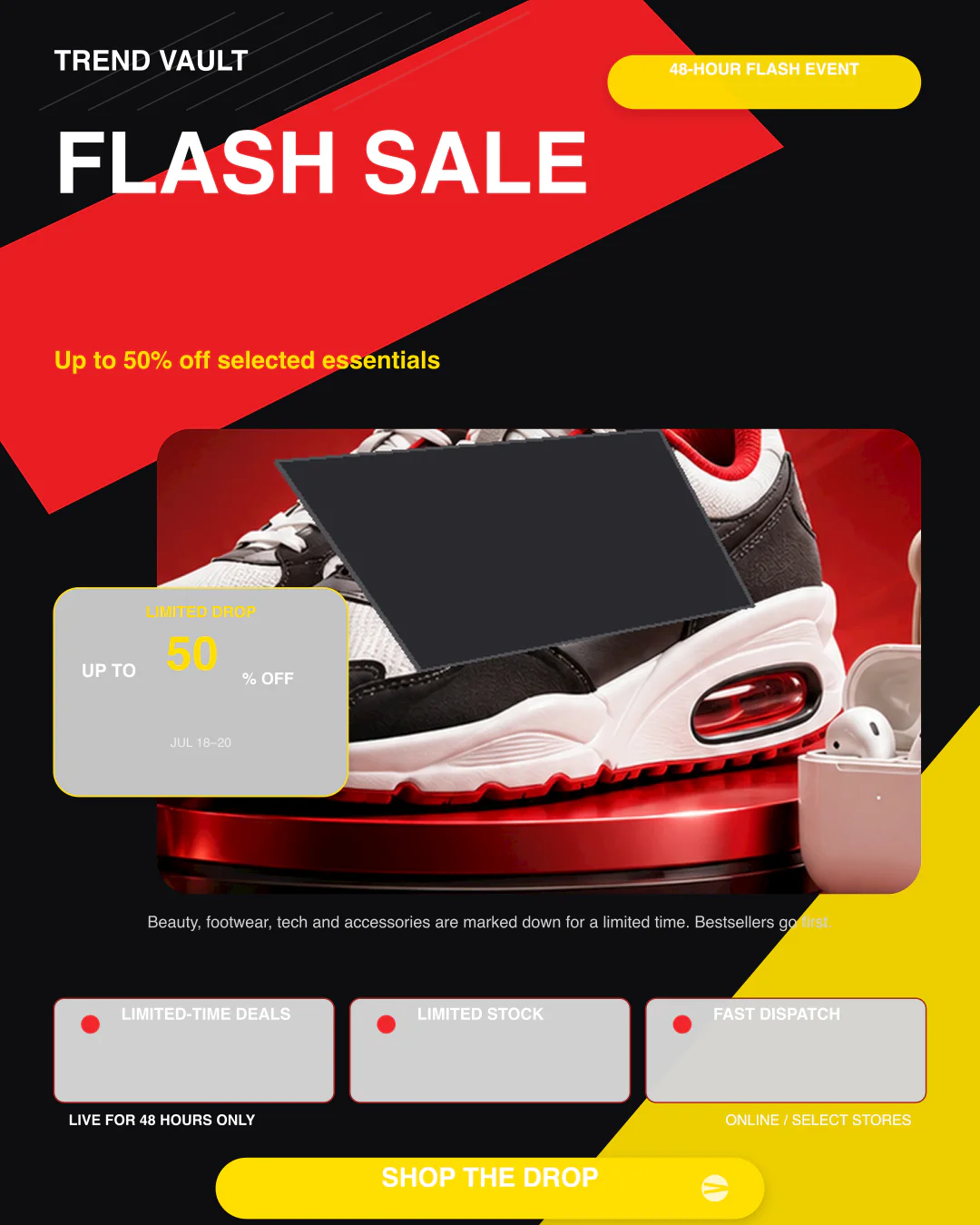

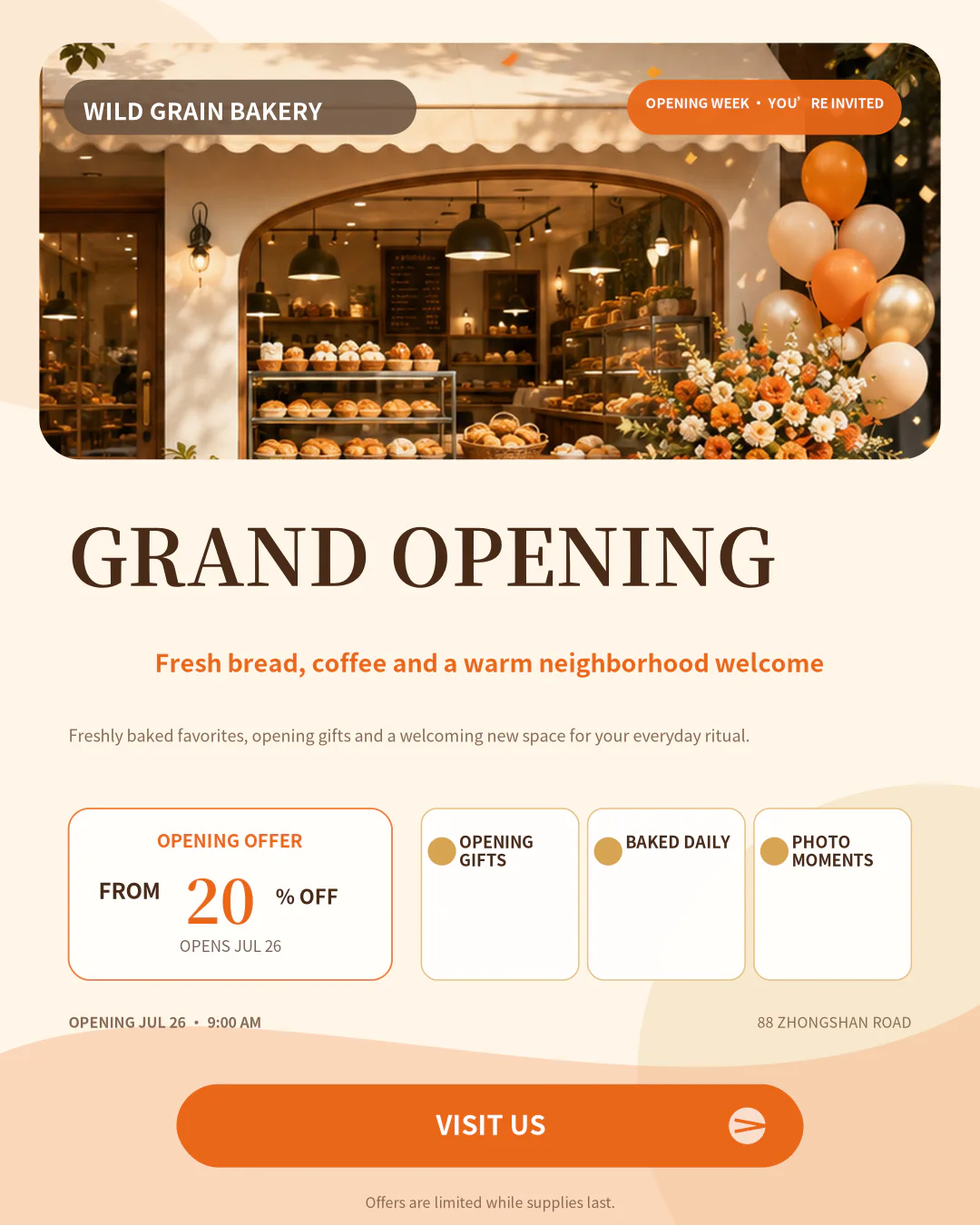

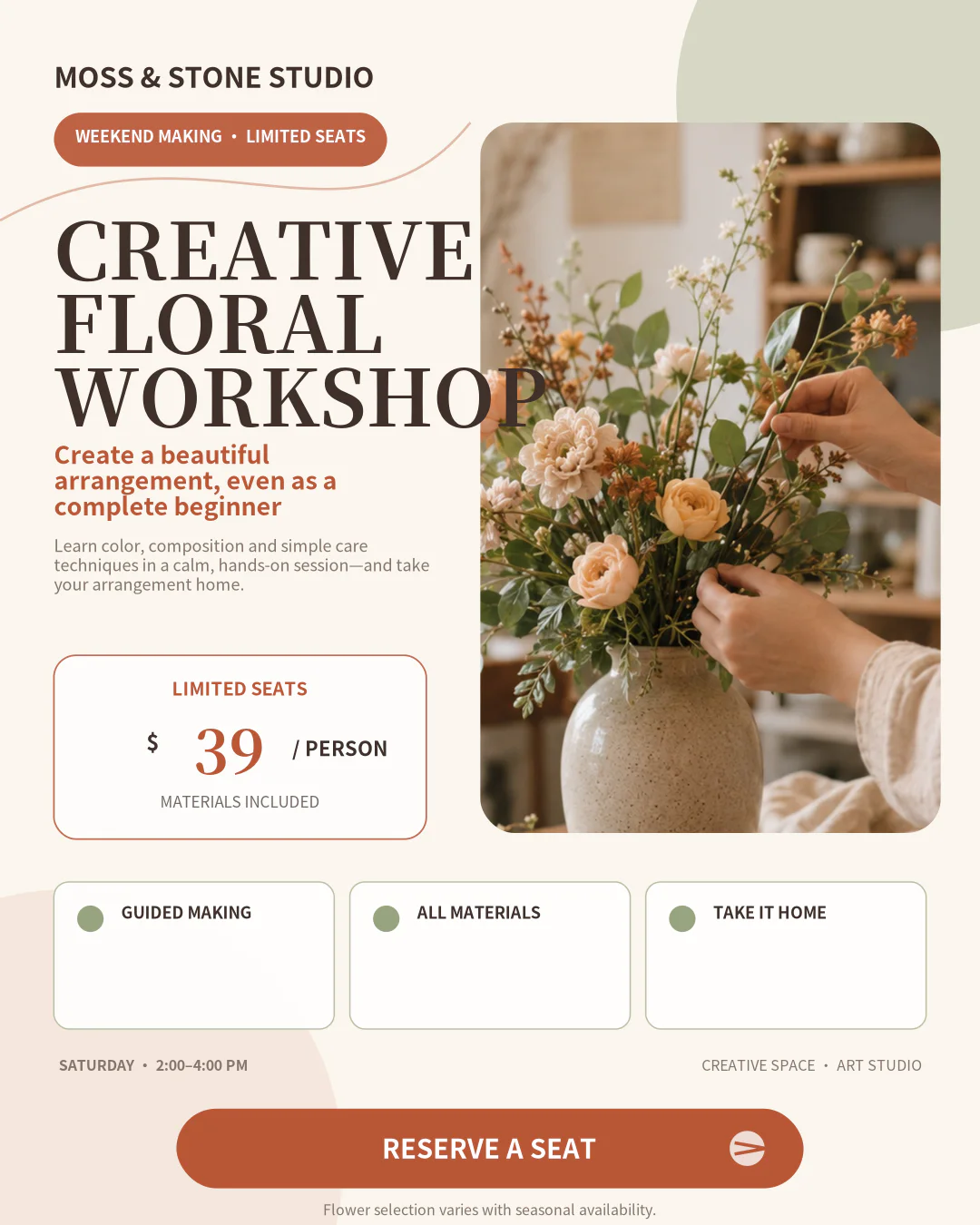
Reference Design
10 credits per finished poster
Reference analysis
Upload reference design
Reference designs are used for inspiration only. Please do not upload designs you do not have permission to use.
Steps in Word
- Open a blank document
- Choose a size
- Insert a product image
- Add headline and offer text
- Add price and CTA
- Export as PDF or image
Word, Canva, and Postrai compared
| Word | Canva | Postrai | |
|---|---|---|---|
| Speed | Slow | Medium | Fast |
| Editable text | Manual | Yes | Yes |
| Product photo | Yes | Yes | Yes |
| Reference design | No | Template-based | Inspiration workflow |
| Export sizes | Manual setup | Many | Built in |
| Design skill needed | Medium | Medium | Low |